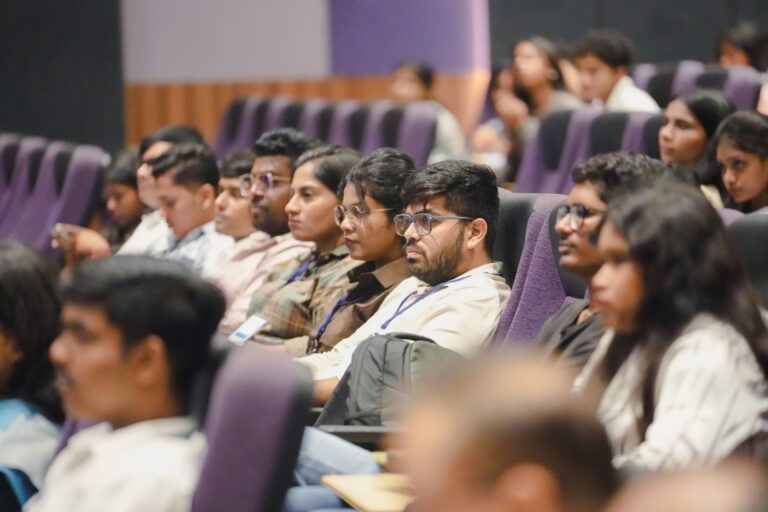
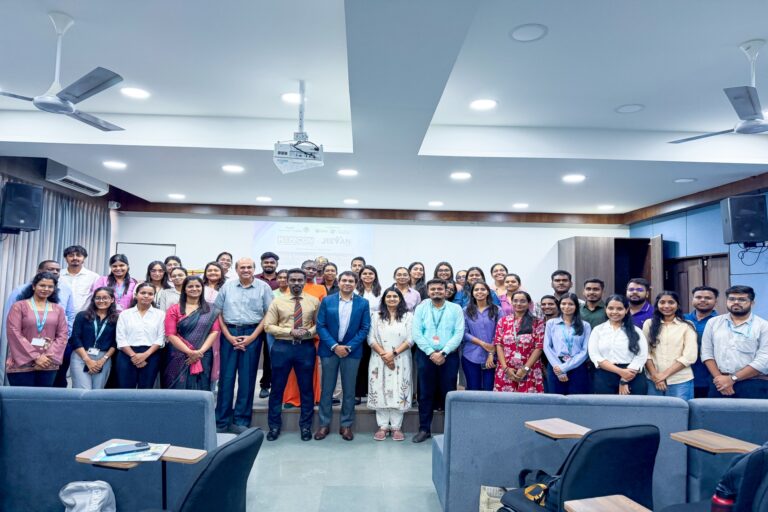
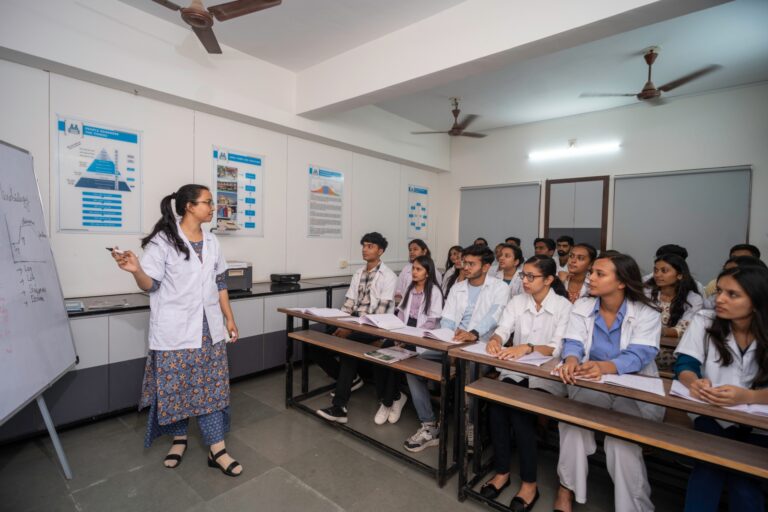
Containers, Docker, and Kubernetes are the practical starting point of the cloud-native world, and at a Parul University tech session, two Docker Captains walked students through them from scratch. If cloud native is the big picture, these are the building blocks. Here is how they fit together.
In the earlier era of IT, virtual machines (VMs) were the dominant way to run software. Containers have since taken over much of that space, and the reason is portability. A container packages everything an application needs to run, not just the code, but its dependencies (such as software libraries and packages) and its configuration, into a single unit. A developer writes their code, defines it in a Dockerfile, and builds a container image from it. That image can then run anywhere in the world with consistent behaviour. That consistency- the same image behaving identically on a laptop, a server, or a cloud- is the core advantage of containers over traditional VMs.
Working with Docker
Docker is generally the entry point into the container world. In practice, a developer builds an image and then runs it as a container, identifying each running container by its container ID. One beginner-friendly clarification from the session is worth repeating: a deprecation warning is not an error. Seeing “deprecated” in a command’s output simply flags that something is ageing out; it does not mean your build has failed, and it should not be treated as a crash.
Why You Eventually Need Kubernetes
Running one container is easy. The trouble starts at scale. A real application often needs many containers running together, balancing load between them, staying available, and being managed as a group. Doing that by hand for thousands of containers is simply not realistic. This is the exact gap Kubernetes fills.
Scale it.
– Rushabh Shah, DevOps Engineer and Parul University alumnus, on what to do when an application crashes
Kubernetes as an Orchestrator
Kubernetes is mainly a manager for containers. It can run containers, monitor them, and scale them as needed, acting as a load balancer. The containers are organised into units called pods. They work to handle the running, tracking, and scaling of them so engineers do not have to intervene manually.
Two things that matter for a beginner:
1. Self-healing: when a container fails, it should be capable of being restarted automatically or replaced.
2. Scaling: add-ons can be there, it can be brought up automatically to handle the load or replace a failed one.
So when your app crashes, the fix usually isn’t to jump in and manually patch things — you just let the system correct itself and heal. There’s a scheduler running behind the scenes deciding where each container actually goes, which is part of the whole orchestration setup that makes running software at this scale something you can actually manage.