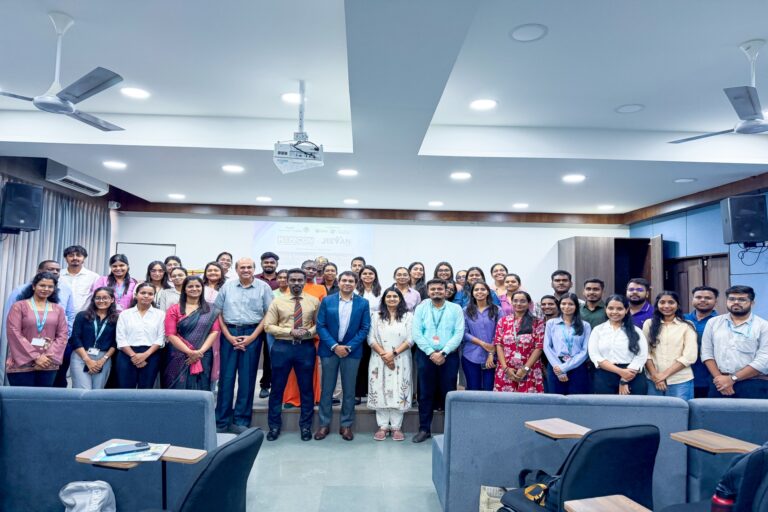
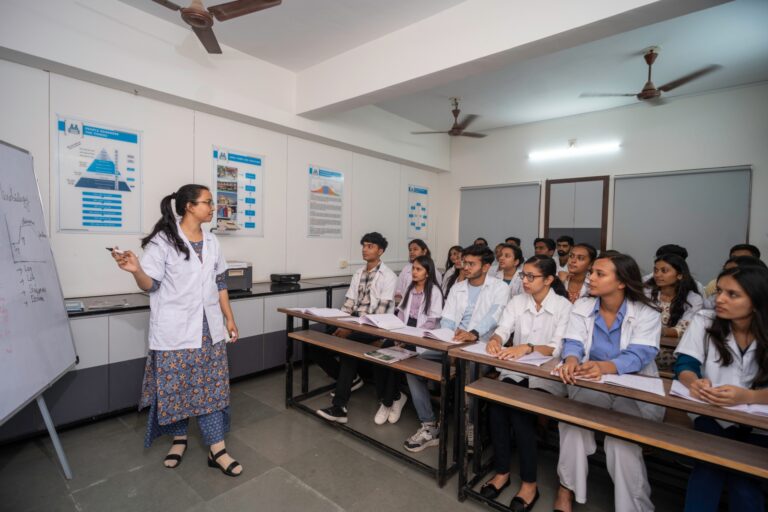
Understanding DevOps in practical terms is the primary thing; the next comes which tools can be used to do the work. At a Parul University session, an AWS architect walked students through the AWS toolchain end to end. Here is the map, stage by stage.
AWS provides its own continuous integration and delivery tools. CodeBuild uses configuration files (in YAML) to define build steps and commands, connecting to your source repository and producing deployable software artefacts. CodePipeline strings the stages of delivery together end to end, from source to a tested, deployable build. These parallel tools, such as GitHub Actions: different platforms often implement the same underlying DevOps ideas in slightly different ways, and the goal in every case is a repeatable process from code to a release-ready artefact.
Infrastructure as Code (IaC)
Automation can be done through IaC; also, automation cannot happen without it. IaC is a practice of managing and provisioning computer data centres and cloud resources through machine-readable definition files that can be created, updated and torn down systematically instead of doing it manually.
The options are:
- AWS CDK: define infrastructure using familiar programming languages like TypeScript, Java, or Python.
- AWS CloudFormation: define it in YAML or JSON (which can get unwieldy on large setups).
- Terraform: a widely used, cloud-agnostic approach to managing infrastructure as code.
Running Containers: EC2, ECS, Fargate and EKS
After building a container image (defined by a Dockerfile, built with CodeBuild, and stored in a private registry), AWS gives you several ways to run it, and the right choice depends on your workload and how much you want to manage:
- EC2: raw compute, flexible but more manual to manage and scale.
- ECS: container-based deployment and scaling on AWS.
- Fargate: a managed option where you specify requirements without managing the underlying servers.
- EKS: Kubernetes on AWS, for teams that want to stay in the Kubernetes ecosystem.
Monitoring and Observability
If you think that deployment is the end, then the expectation is wrong. The work goes beyond it if you need visibility into how the live systems are actually working. The CloudWatch works on to record and keeps a log of metrics and traces, and CloudWatch alarms get triggered under conditions like memory spikes, CPU overload, or request failures, routing alerts to Slack, PagerDuty, or even a phone call.
Monitoring cuts both ways: if a system’s consistently only using a fraction of its resources, that’s actually a signal you’re over-provisioned and could be saving money. For large-scale telemetry, OpenTelemetry handles collecting the data while OpenSearch analyses it and builds out dashboards, useful for catching anomalies, like an unusual transaction in an e-commerce app worth looking into. Though it’s worth saying: an anomaly is a flag to review, not proof on its own that something’s actually wrong.
Security Across the Pipeline
Security runs alongside everything else rather than being bolted on at the end. Four AWS services carry much of the load:
- CloudTrail: Records every action in your environment (who created, stopped, or changed what) for full traceability.
- Secrets Manager: Stores credentials and keys safely, so nothing sensitive is hardcoded.
- Inspector: Scans code and containers for vulnerabilities before they reach production.
- IAM: Governs exactly who is allowed to do what.
Managing Cost (A Real Warning)
Cloud resources are not free by default, and unmonitored usage has genuinely bankrupted people. The advice for students was practical: set up AWS budgets, actively monitor usage, and start small, using free-tier resources and small instances (such as t2.micro) rather than large, expensive ones. This warning now applies just as much to LLM-based applications, where costs can spiral quickly if usage is not tracked. Free learning resources like AWS Skill Builder are a good place to practise safely.
Start Small and Build
In the end, the discussion focused on:
> the whole toolchain together
> do not just absorb it
> work on building something
> Have a vision to run a simple program from start to end, write a small IaC script, and spin up a container.
> Work on making a minimal Fargate or EC2 deployment, and wire up a basic pipeline.
When doing a project on your own, you get to learn more than certifications and passive watching.